


Integrating AI audio learning
Led design that embedded high-quality AI narration on text-based lessons to enable more flexible, accessible & effective learning.
Team
Product Manager
2 Developers
CTO
Tools
Figma/FigJam
Figma Make
Mobbin
Eleven Labs
Skills
AI-enabled Design
Product Strategy
User Testing
AI Prototyping
Timeline
Oct - Jan 2025
Status
Shipped to beta users
Context
Disco is an AI-first learning platform that enables training businesses to manage programming, events, and communities.
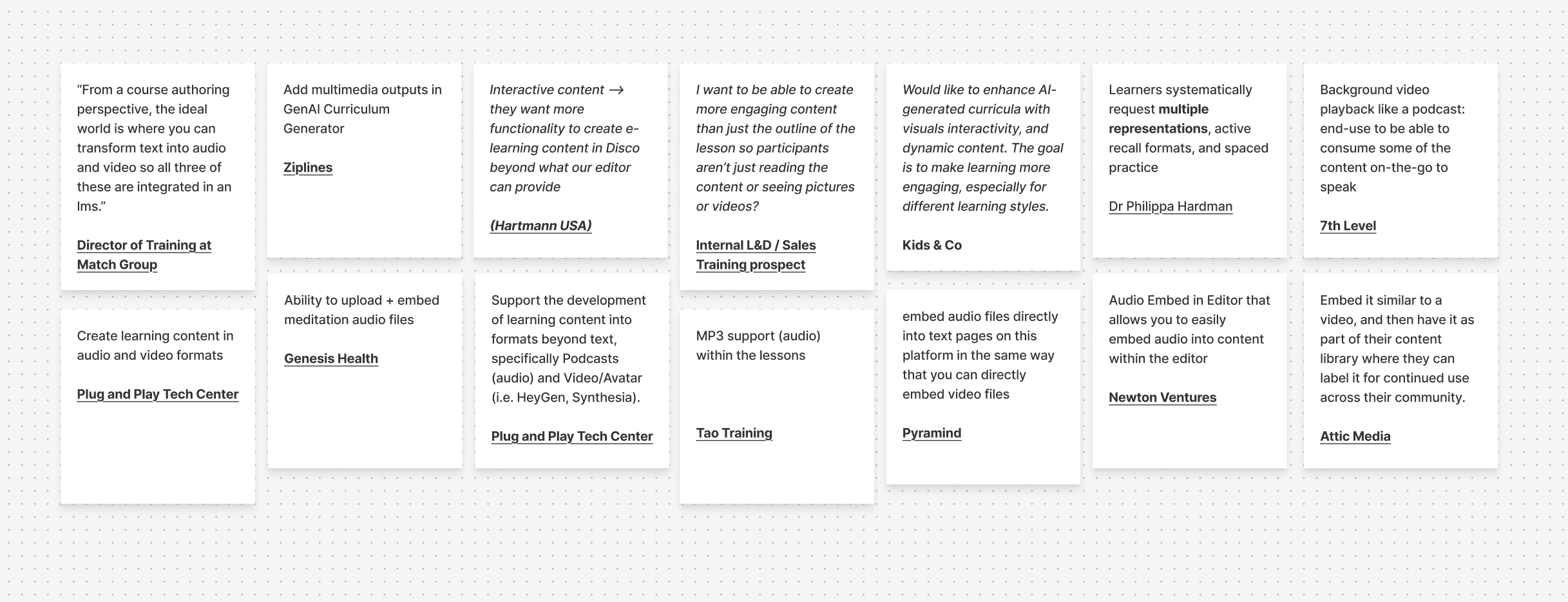
While Disco excelled operationally for admins, our learner experience lagged behind modern expectations. Through a research initiative I led, synthesizing customer interviews, CS feedback, sales insights, and trends in contemporary learning design, we identified a clear pattern.
Learning on Disco is not engaging enough.
This research shifted our product strategy toward the learner experience and prioritized making content more flexible, inclusive, and dynamic.
The most immediate opportunity: audio.
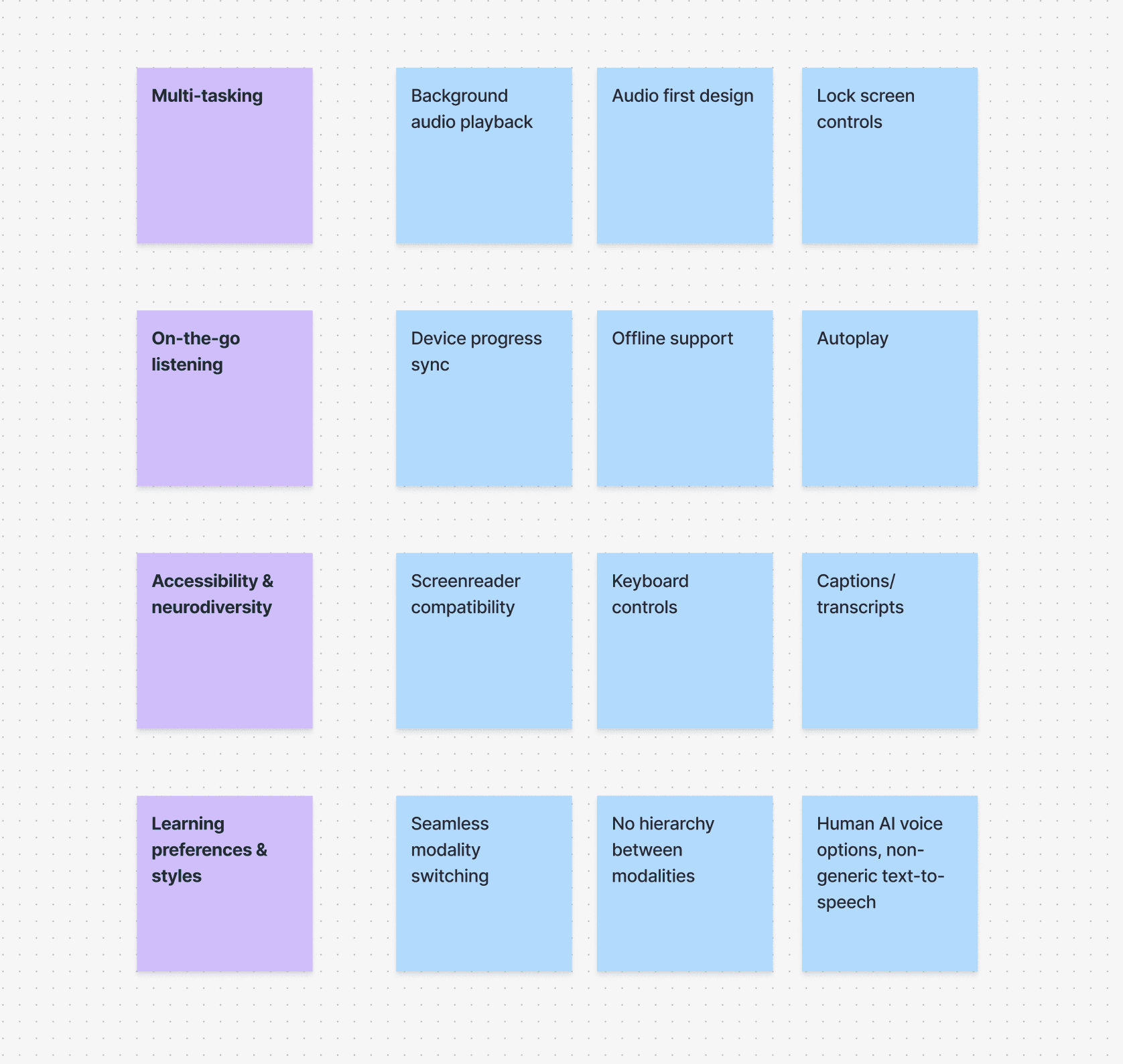

Strategy
Rather than prematurely optimizing for one, I scoped it down to address learning preferences broadly to reduce barriers first, then build depth. This approach gave us the widest impact at launch while setting up a clear roadmap for what comes next.
There were two ways we wanted to incorporate audio:
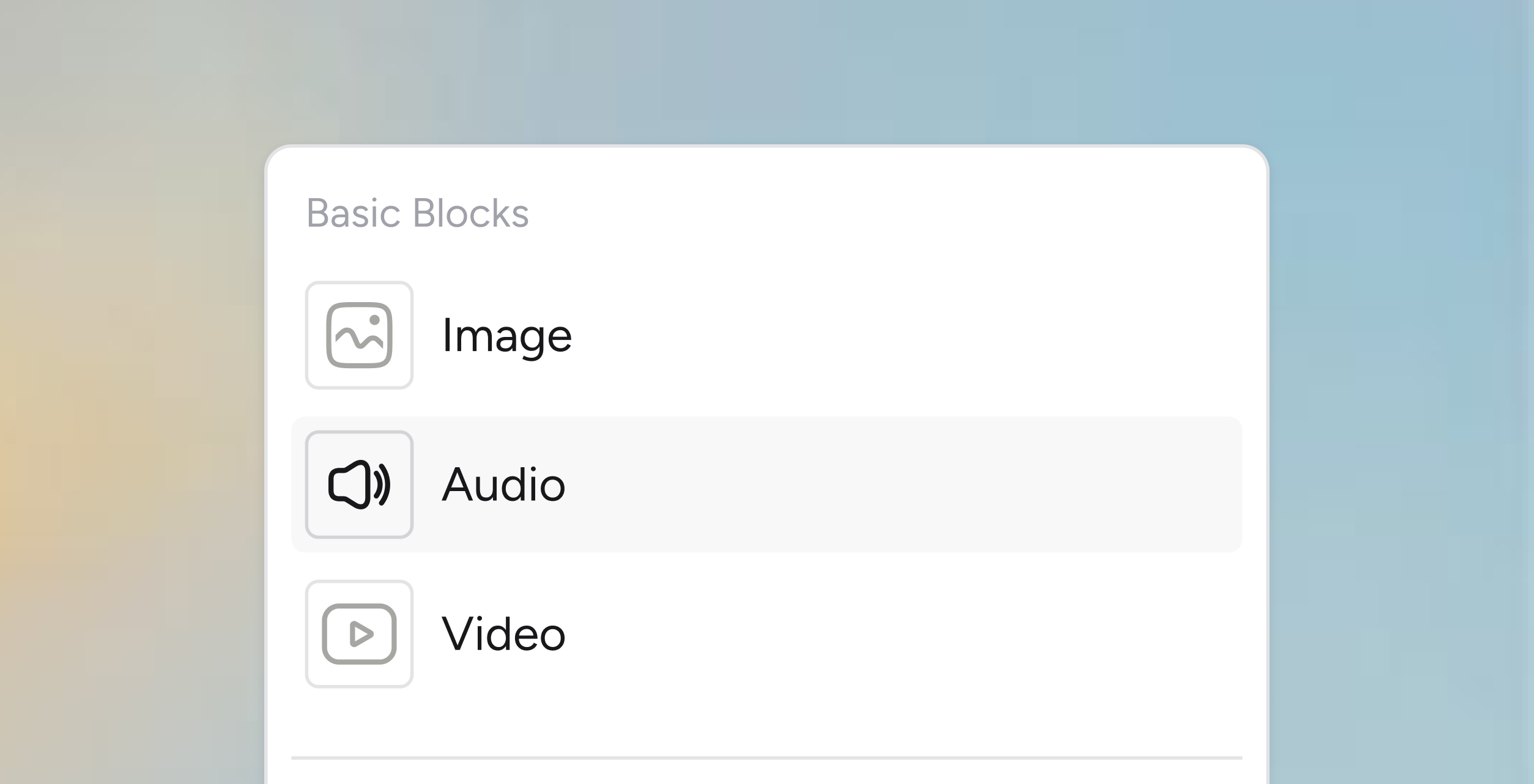
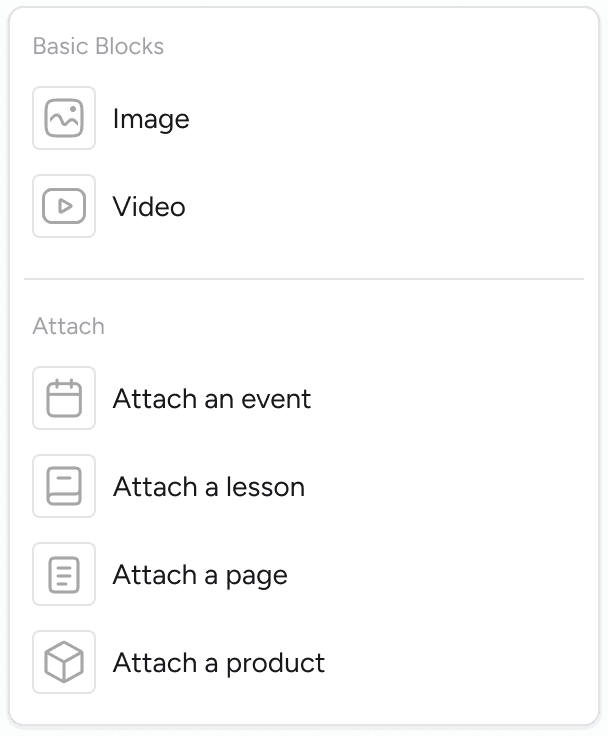
Native audio support
Enabled admins to upload and embed their own audio directly into lessons and posts.
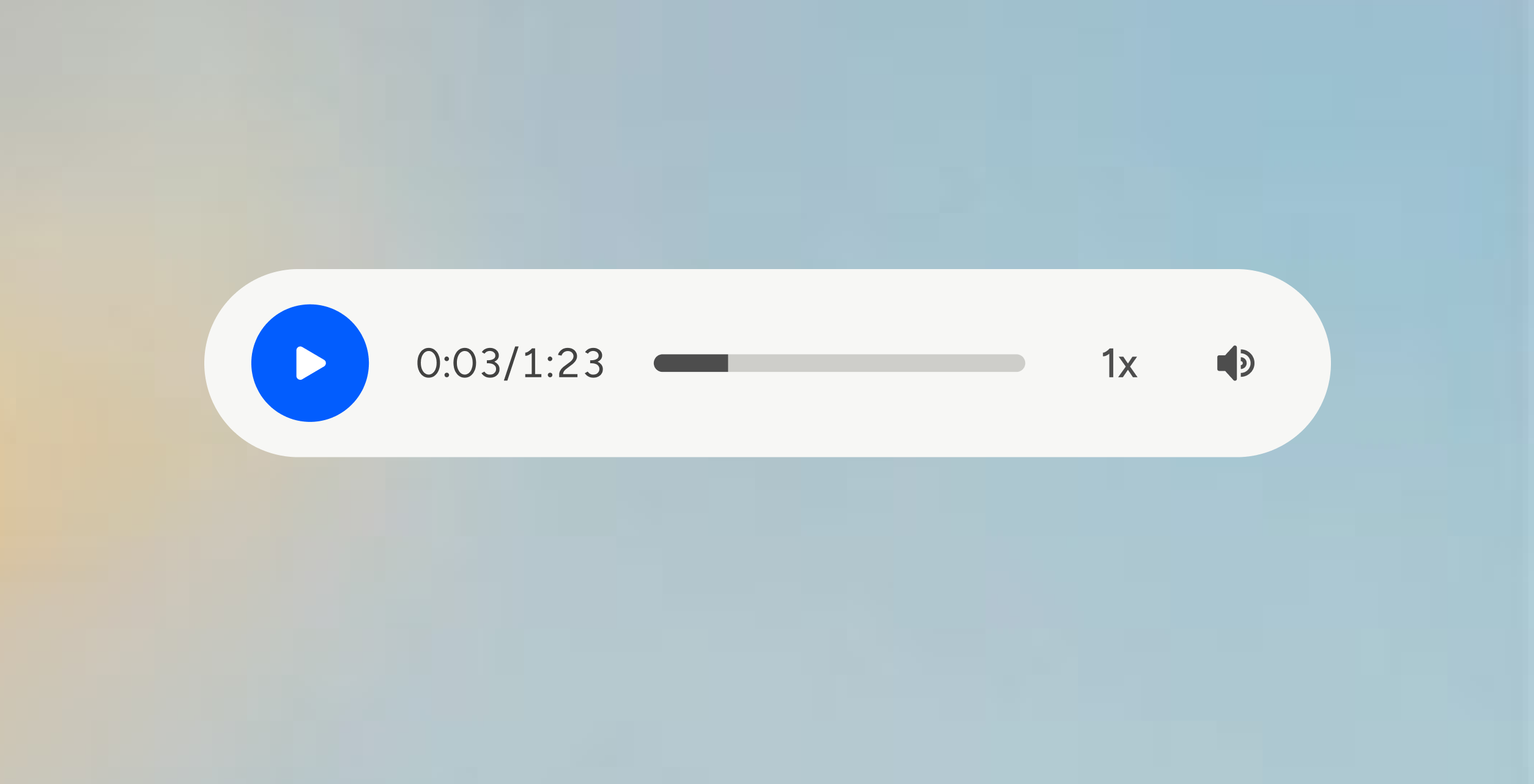
AI narration
Learners can listen to high-quality synthetic speech on-demand in their lessons.
Principles
Give learners control: Learners decide when and how they engage with audio.
Support comprehension: Audio should reinforce understanding by supporting dual-channel learning and using a high quality, natural-sounding voice.
Feel native, not bolted on: On both web and mobile, the audio experience should integrate seamlessly into the product.
Process
The existing lesson page had structural limitations that made introducing an audio player more complex. Rather than designing around the debt, I flagged it, proposed page-level changes to leadership, and worked on both tracks simultaneously.
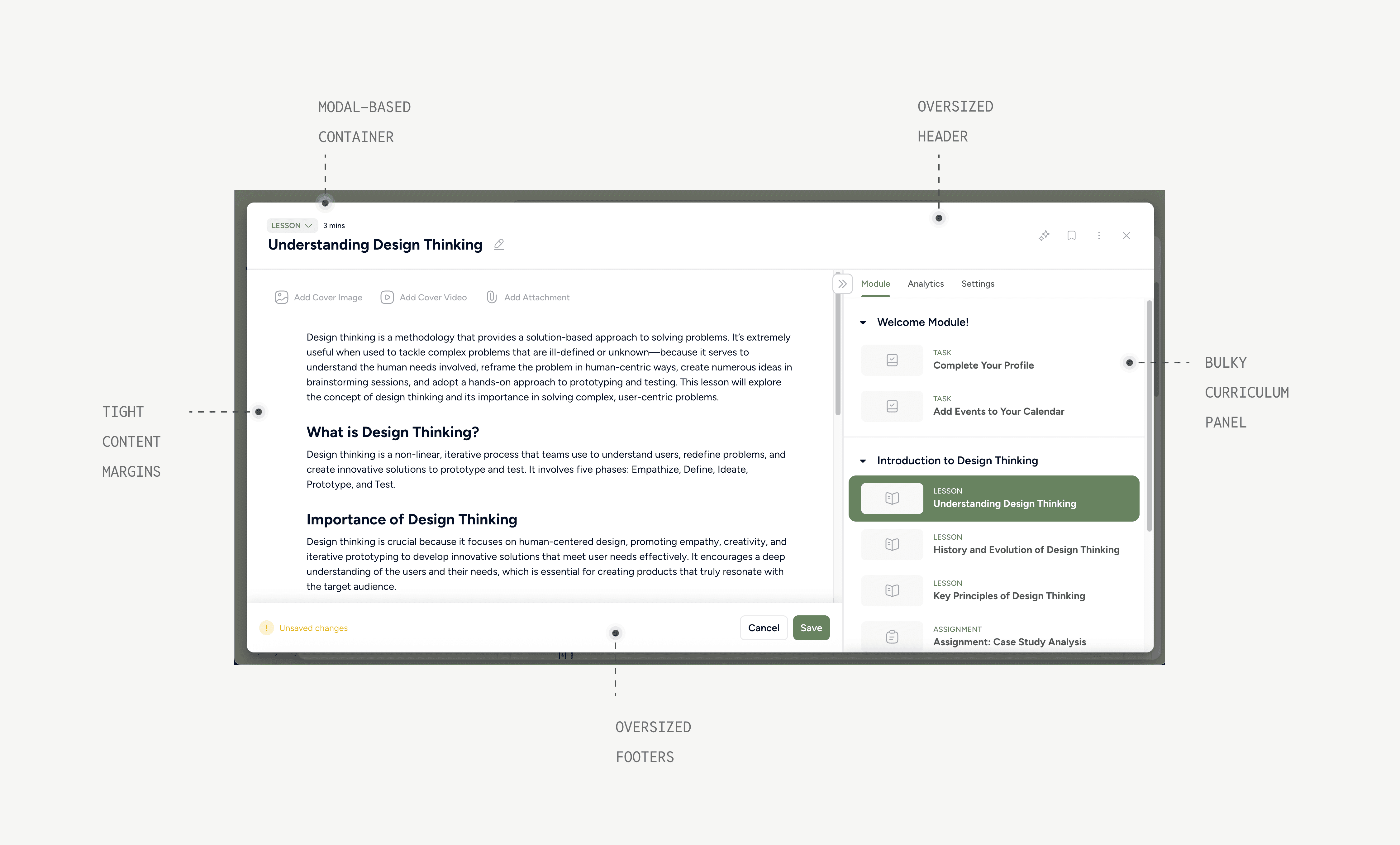
The original lesson container
Interaction patterns were deliberately grounded in familiar audio UX paradigms, using Mobbin as a reference point to ensure the experience felt intuitive from day one.
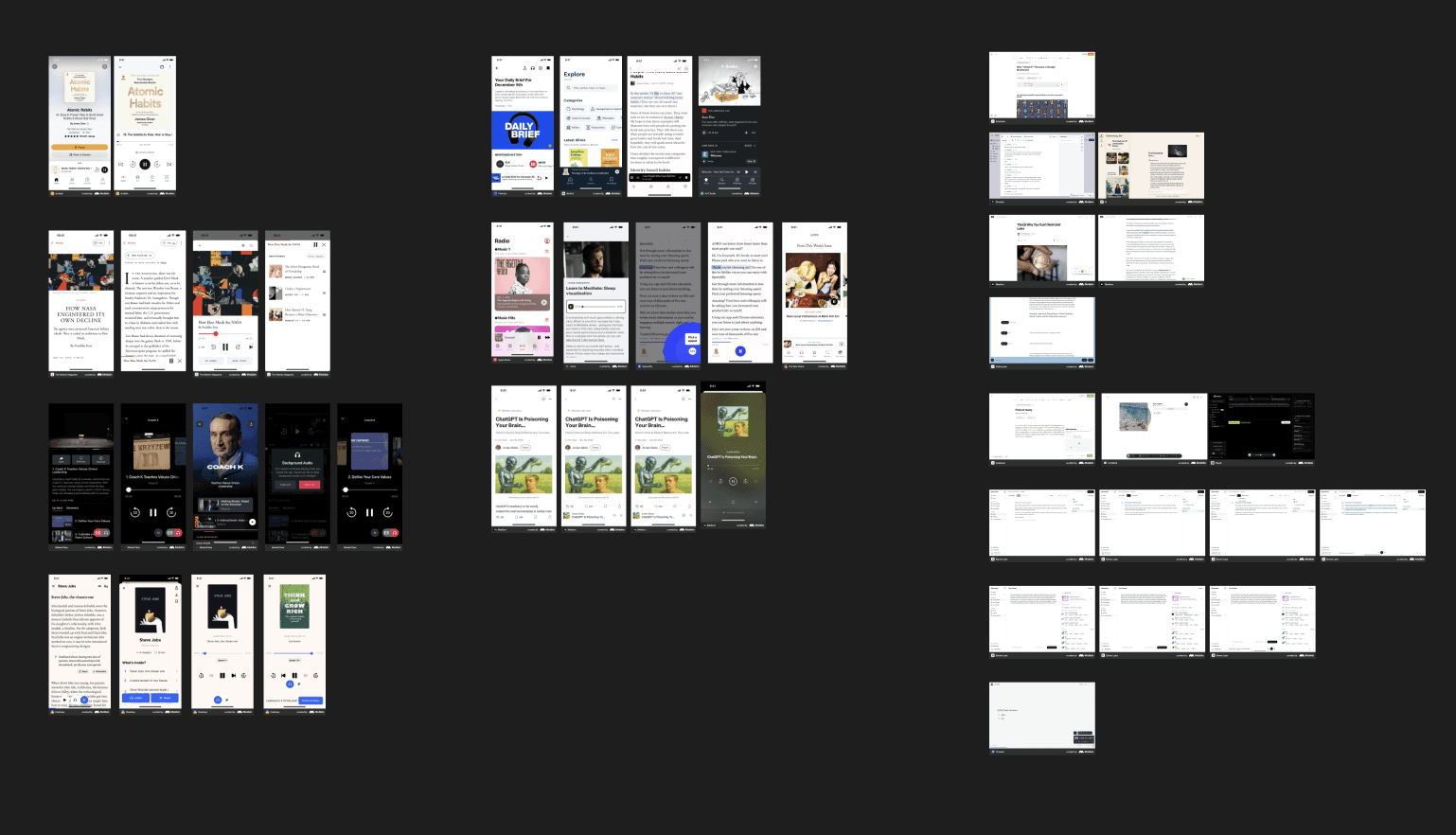
Mobbin references
Prototyping was central to how I thought through this experience. Because this was a 0→1 feature with no existing patterns to inherit, I needed to get interactive quickly. I used Figma and Figma Make extensively to explore the decisions that mattered most:
where and how audio gets triggered
how the player behaves across different lesson states
how it lives on the page without competing with the learning content
The design went through several rounds of internal testing before handoff.
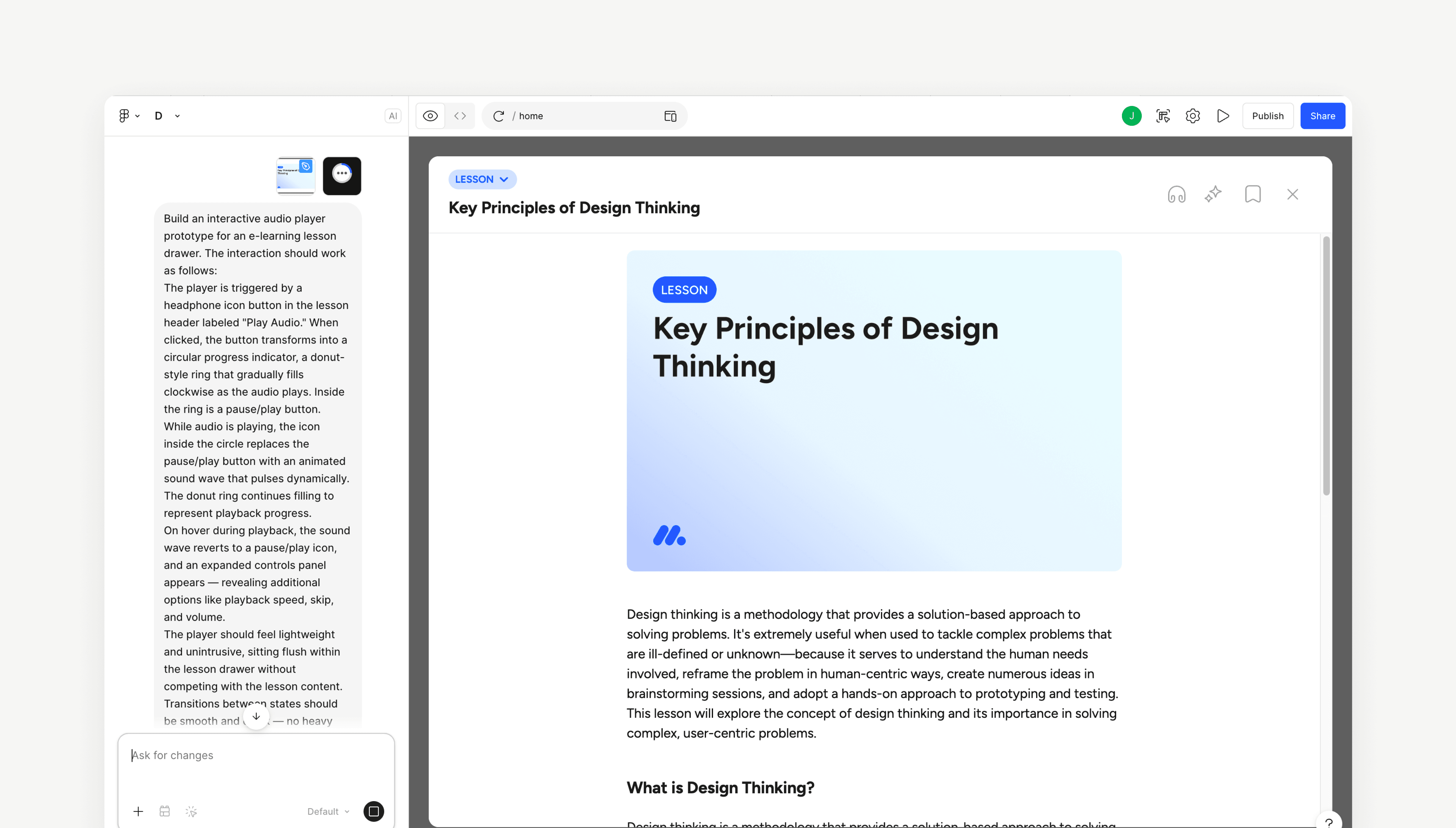
Figma Make prototypes
Adding audio to lessons
Admins can now upload audio so that they can deliver a richer and more inclusive learning experience, while also reusing podcasts or recorded talks to save time and extend the value of their existing materials.
Users can upload audio in their featured media section or embed it in their content.
Featured audio with custom cover
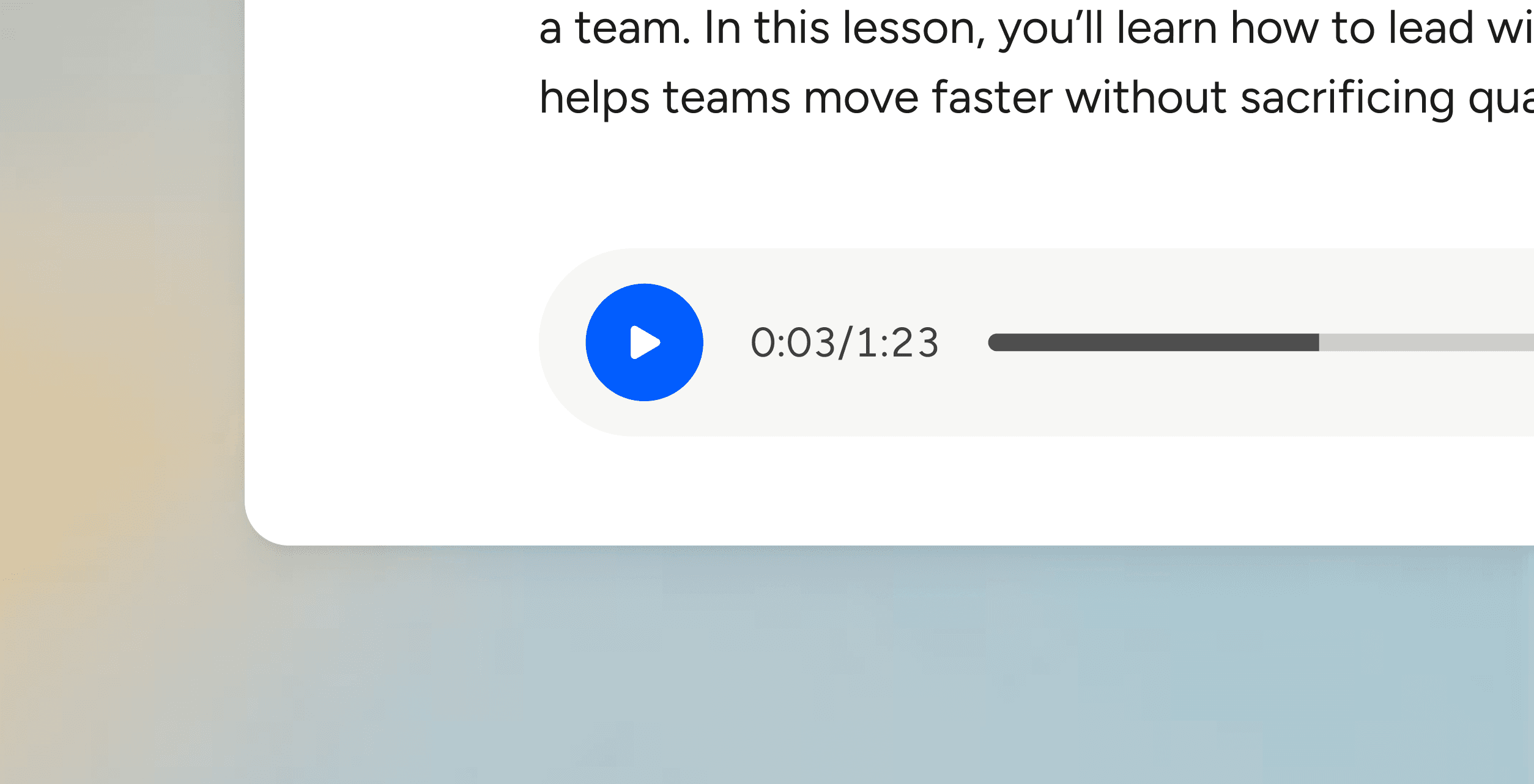
Embedded audio
Listening to a text-based lesson
When a learner takes a course, they have the choice to listen to the content so that they can learn in the way that works best for them or while on the go.
Listening on desktop
On desktop, users can listen to text-based content in a way that feels embedded, non-intrusive, with focused, minimal controls.
Other iterations
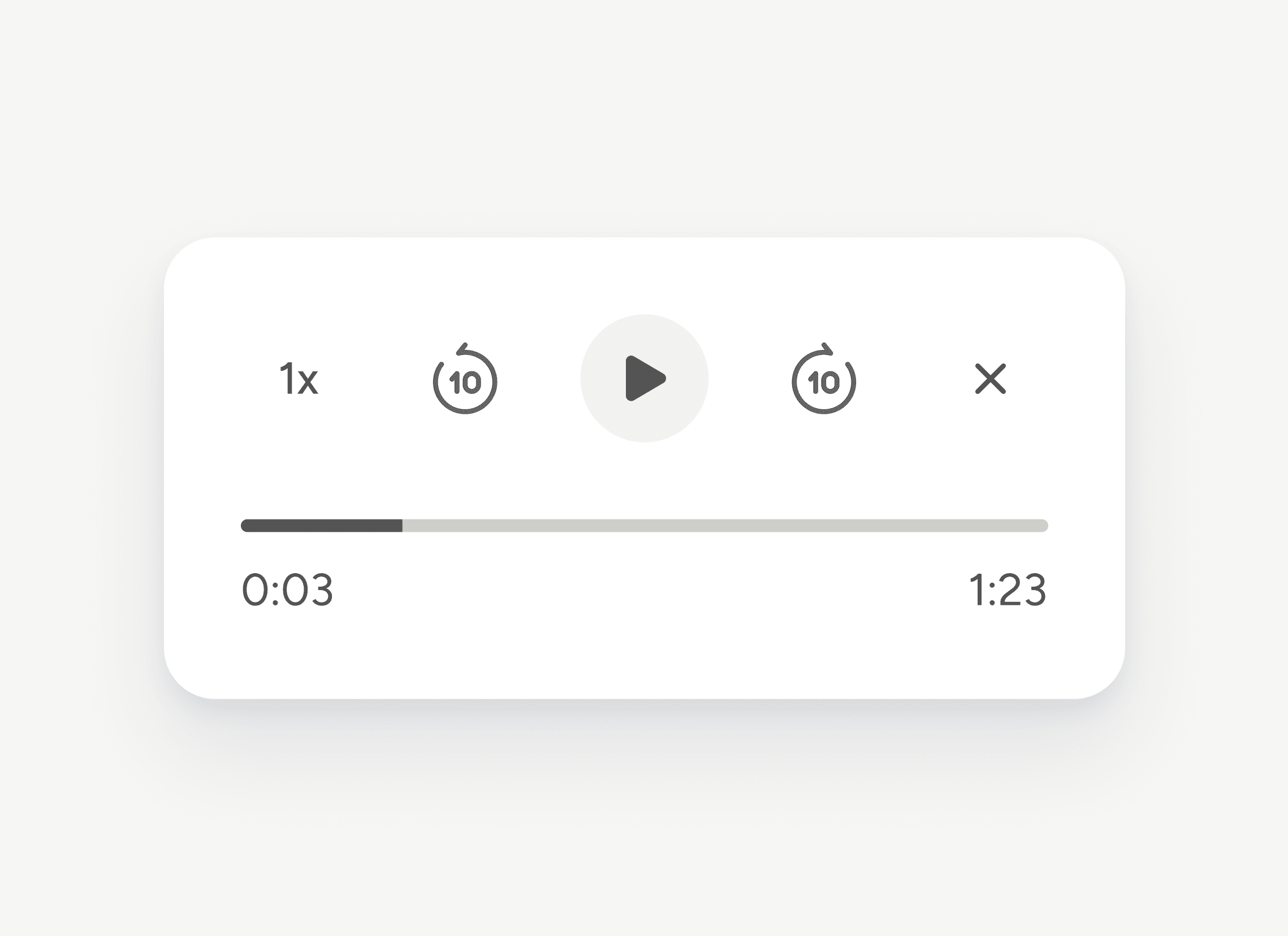
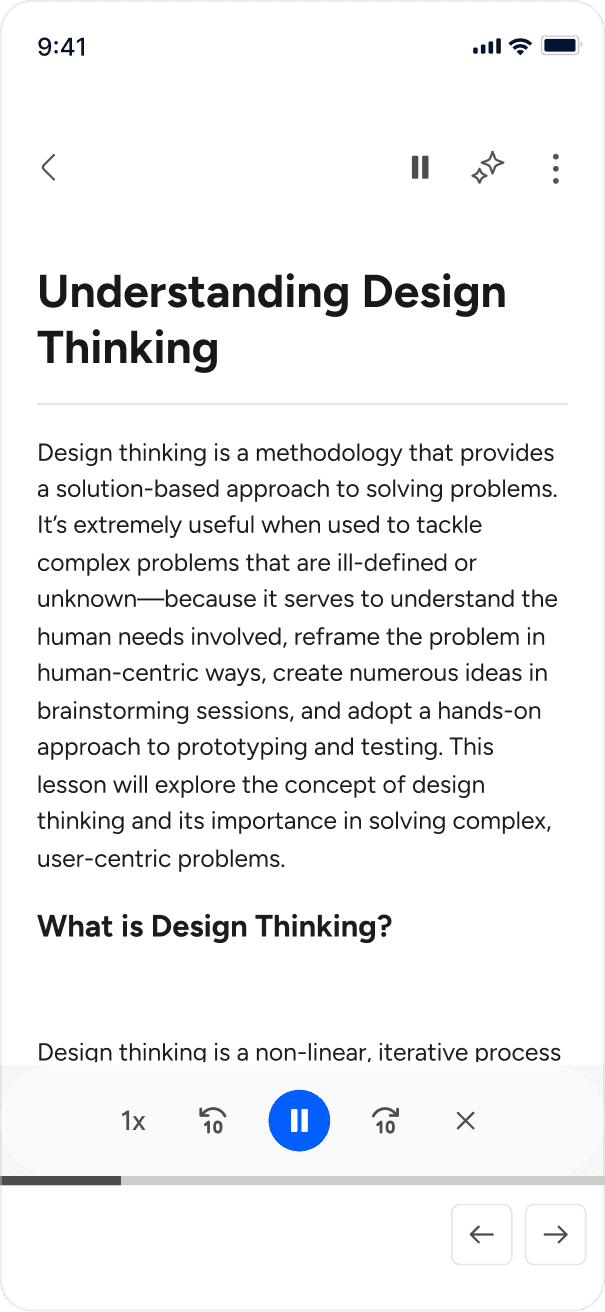
Listening on mobile
On mobile, listening to a lesson was designed to be compact, thumb-friendly, and perma-accessible.
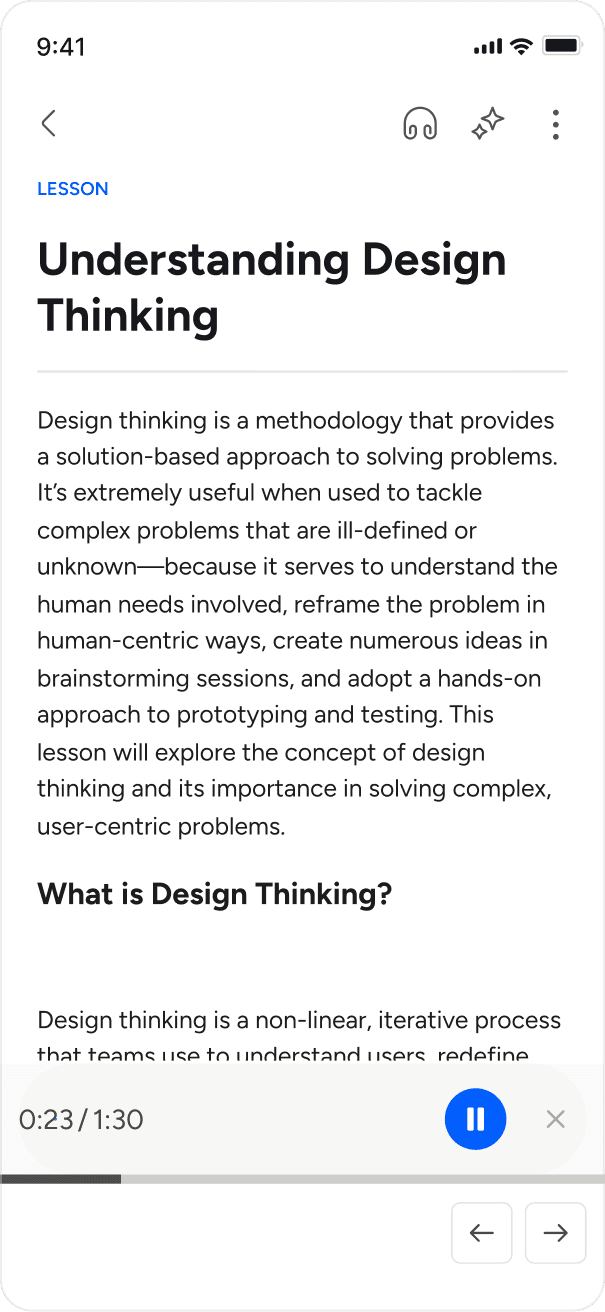
Other iterations
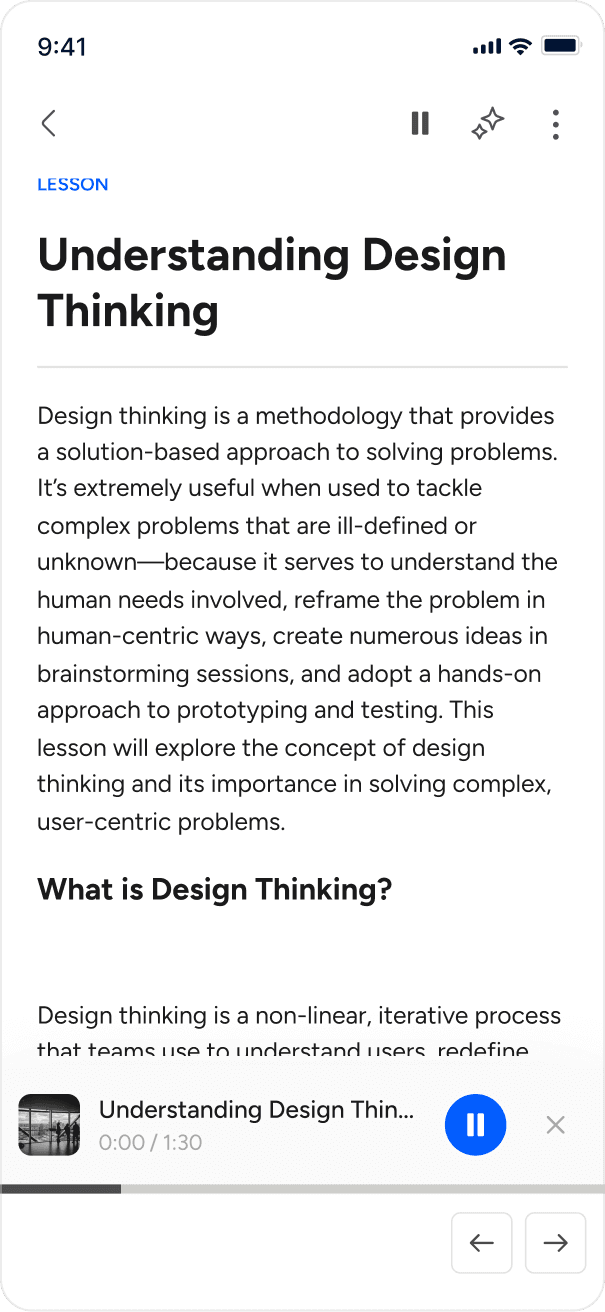
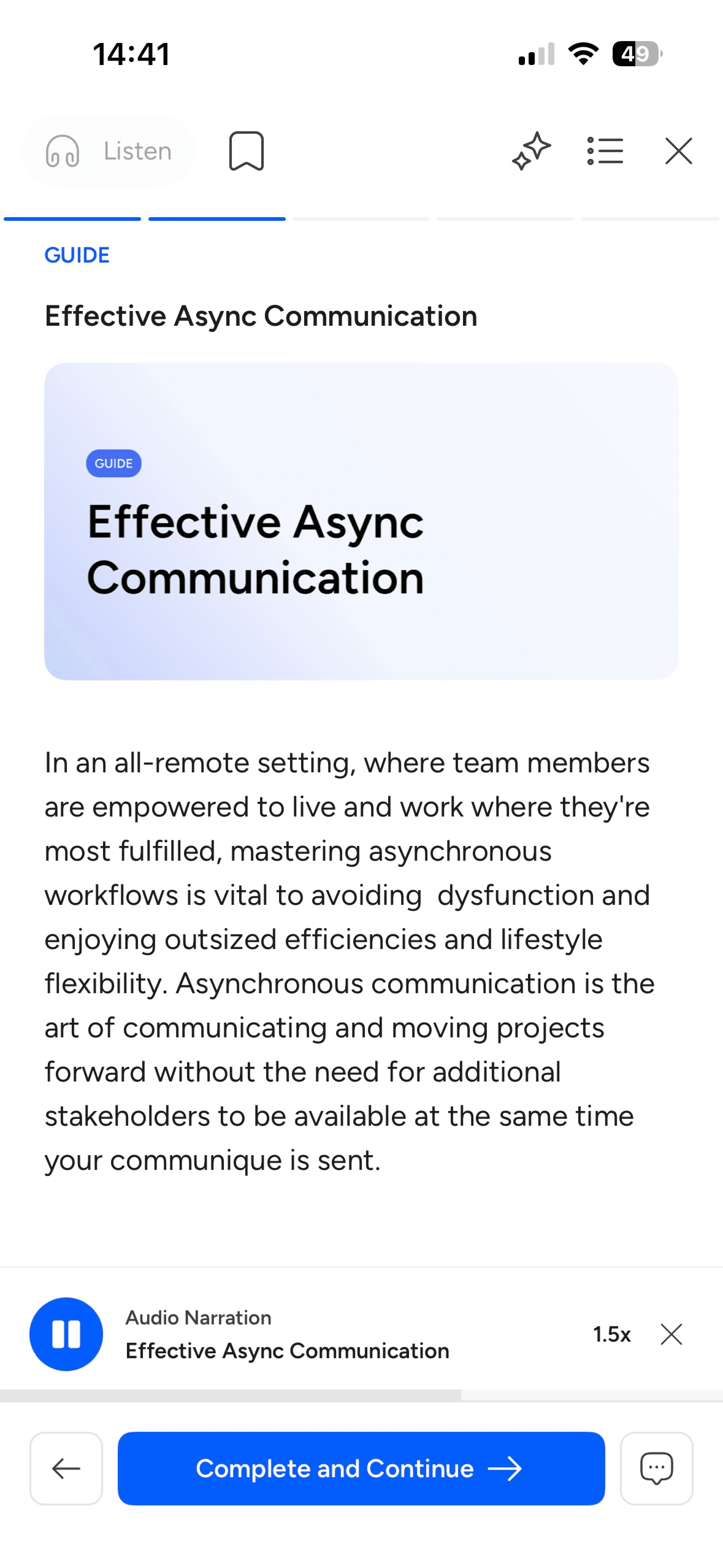
The listening experience
The last part of the design process was thinking through what the audio should sound like, including how text should be transformed into something clear, structured, and easy to follow via the tone, pacing, voice, end of lesson closing behaviour, and more.
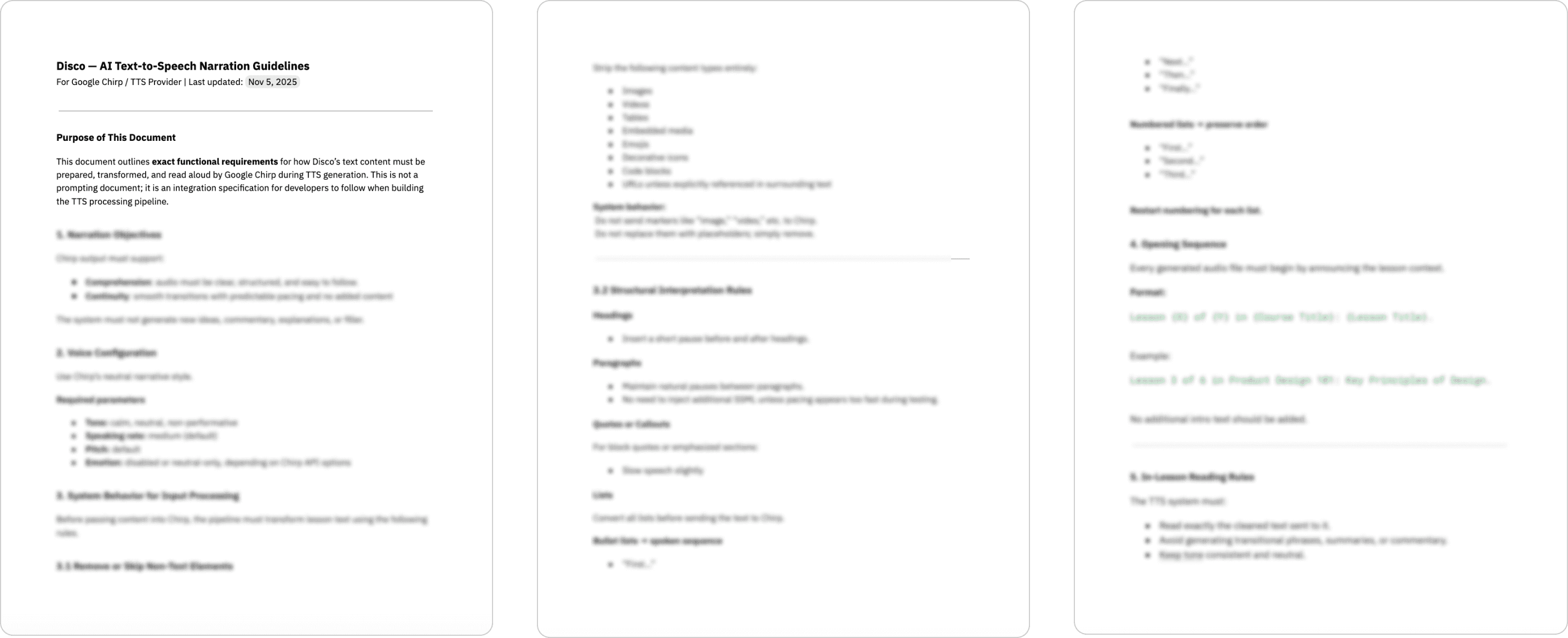
Text-to-speech narration guidelines for Eleven Labs